


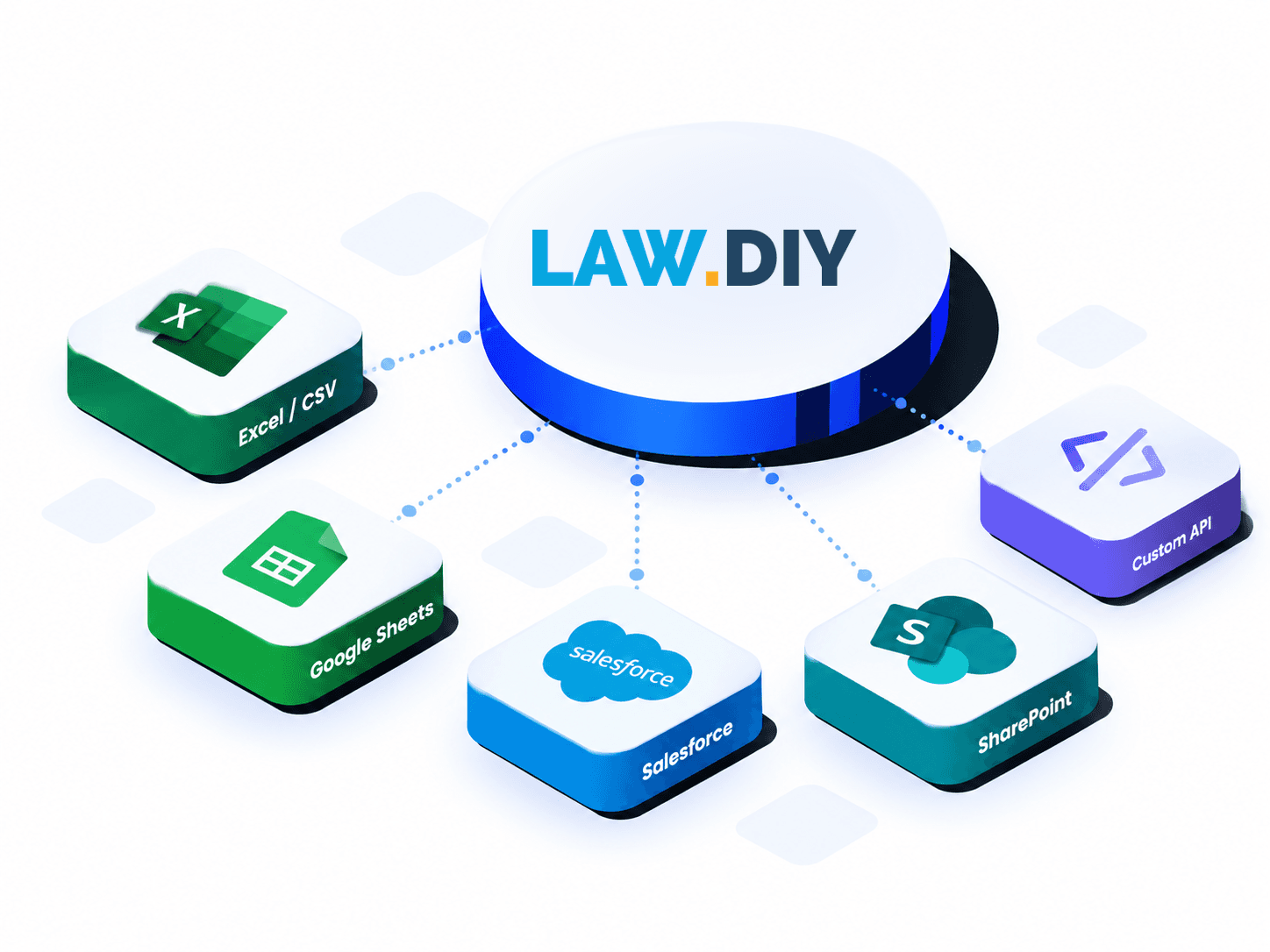
Flexible referral options
Multiple ways to connect.
Every business has its own process. Choose the submission method that works for your team.
Partner Portal
Submit individual cases directly through your partner account.
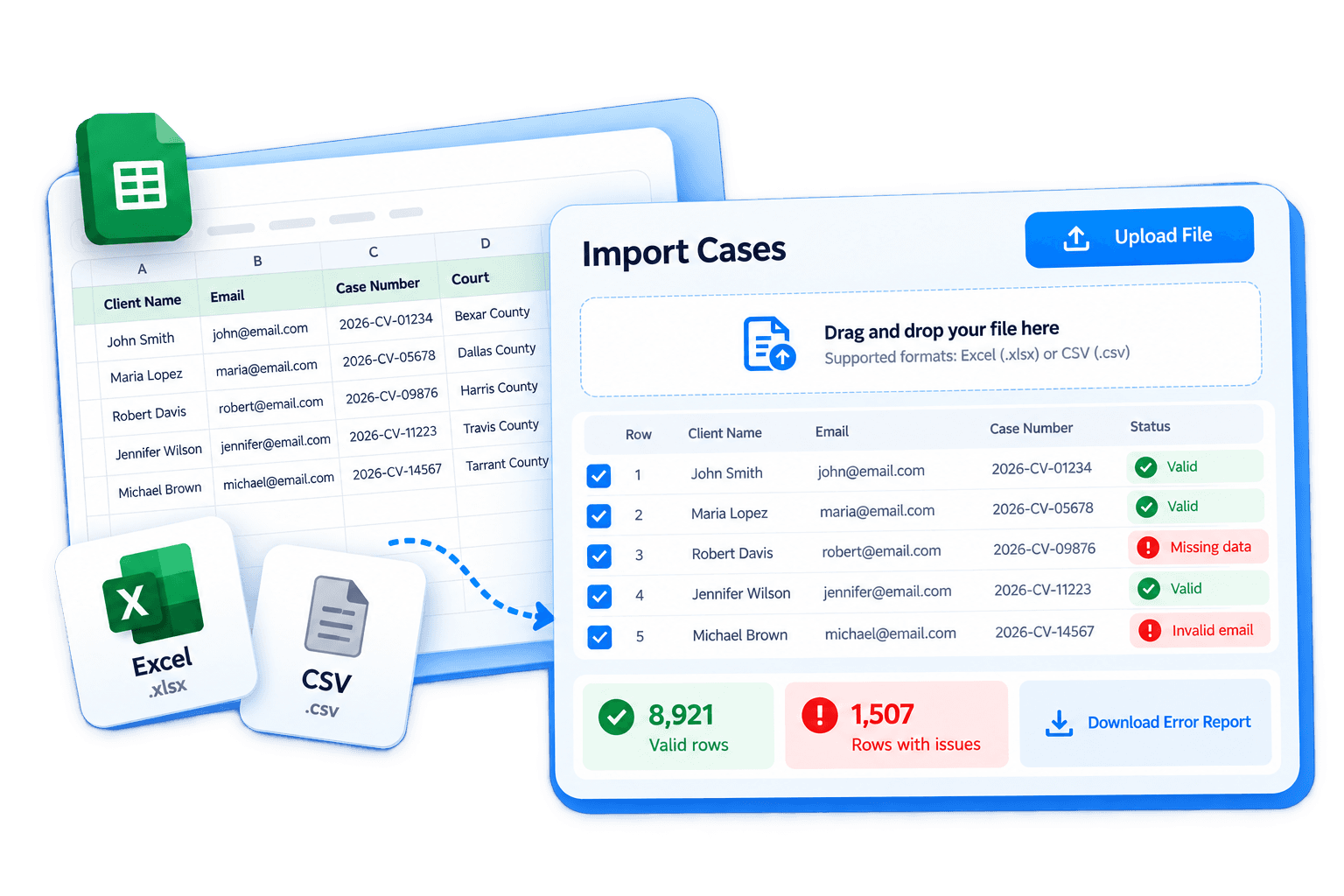
Bulk Uploads
Upload Excel or CSV files to submit multiple referrals at once.
Connected Workflows
Use supported software connections or explore a custom API integration.
How it works
From your system to ours.
Client information and court documents move into the Law.DIY referral process, where submitted cases can be organized and monitored through your partner dashboard.
- 01
Your Data
Case details and documents
- 02
Referral Intake
Information received and organized
- 03
Partner Visibility
Updates and completed documents
Supported integrations
Connect the tools you already use.
Several methods for bringing case information and documents into your referral workflow.

Google Workspace
Bring referral data in through connected spreadsheets.

Salesforce
Connect supported CRM data to the referral workflow.

SharePoint
Use connected data and supported document links.

Custom API
Explore a tailored connection with your existing systems.
Built for scale
One case or thousands.
Whether you're sending an individual referral or a large batch, Law.DIY organizes incoming cases and identifies information that needs attention.
Flexible Uploads
Submit individual matters or spreadsheet batches of up to 10,000 rows.
Clear Validation
Receive reasons for invalid rows so your team can correct and resubmit them.
Documents Matched to Cases
Include summons and complaint files with each referral through supported submission methods.

Have a more complex workflow?
Explore custom API integration options with our team.


Partner with Law.DIY
Your workflow is already built. Let's make Law.DIY part of it.
Explore the referral and integration options that fit your business, and see how Law.DIY can help simplify lawsuit response support for your clients.